VR Data Collection (Pico)
🎮 LeRobot data collection workflow for OpenArmX + Pico4 Ultra.
🧩 Hardware List
- 1 OpenArmX bimanual robot
- 2 RealSense D405 (left/right hand)
- 1 RealSense D435 (head)
- 1 teleoperation device: Pico4 Ultra
- 1 USB 3.0 hub (at least 3 USB ports)
- 1 gigabit router
- 2 gigabit Ethernet cables
- 2 computers: one collection sender IPC and one high-performance GPU receiver for training/inference
If your IPC is powerful enough, one machine can handle collection, training, and inference. Distributed collection is used mainly when USB bandwidth is insufficient for three cameras.
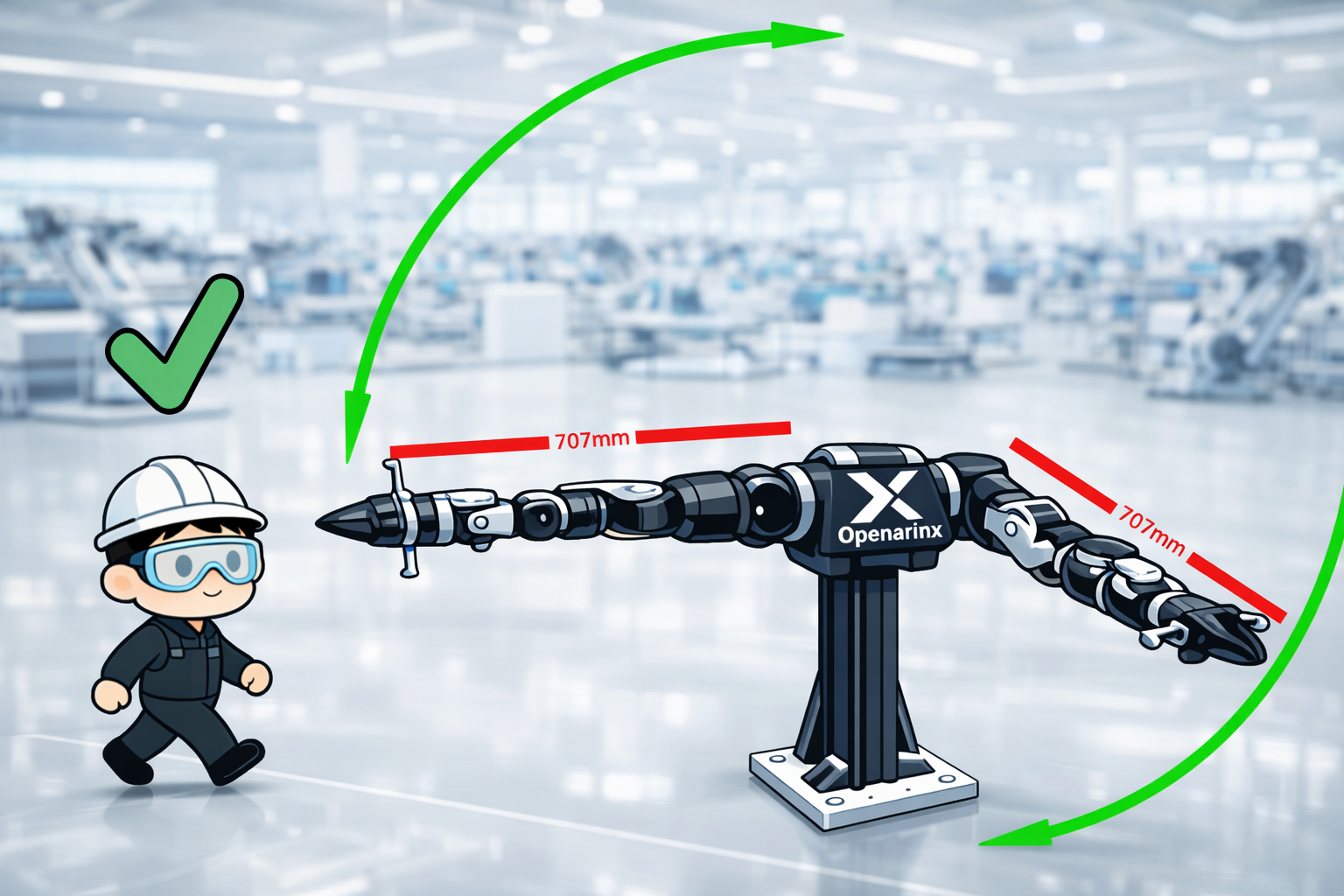
⚠️ Safety checks before collection
- Before launching bimanual arms, ensure CAN board is on (blue LED)
- Gently move arm to confirm motor resistance (enabled)
- Keep away from flammable/explosive/corrosive materials
- Keep safe distance during collection
Collection Side (white IPC)
1. Terminal 1: launch bimanual robot
cd ~/openarmx_ws/
source install/setup.bash
ros2 launch openarm_bringup openarm.bimanual.launch.py \
  control_mode:=mit \
  robot_controller:=forward_position_controller \
  use_fake_hardware:=false
2. Terminal 2: launch Pico bridge
cd ~/openarmx_ws/
source install/setup.bash
ros2 run openarmx_teleop_bridge_vr_pico openarmx_teleop_bridge_vr_pico_node
3. Terminal 3: launch IK solver
cd ~/openarmx_ws/
source install/setup.bash
ros2 launch openarmx_teleop_vr_pico teleop_vr_pico.launch.py
4. Terminal 4: launch camera publisher
cd ~/openarmx_ws/
source install/setup.bash
ros2 launch openarmx_lerobot camera_publisher.launch.py \
  width:=424 height:=240 fps:=15 \
  cam_left_serial:=SERIAL cam_left_type:=MODEL \
  cam_right_serial:=SERIAL cam_right_type:=MODEL \
  cam_head_serial:=SERIAL cam_head_type:=MODEL
Example:
ros2 launch openarmx_lerobot camera_publisher.launch.py \
  width:=424 height:=240 fps:=15 \
  cam_left_serial:=218622270388 cam_left_type:=D405 \
  cam_right_serial:=218622274446 cam_right_type:=D405 \
  cam_head_serial:=335522070220 cam_head_type:=D435
Receiver Side (training/inference machine)
5. Terminal 5: start LeRobot recording
lerobot-env

HF_HUB_OFFLINE=1 lerobot-record \
  --robot.type=openarmx_follower_ros2 \
  --teleop.type=openarmx_leader_ros2 \
  --dataset.repo_id=local/your_dataset_name \
  --dataset.single_task="your_task_name" \
  --dataset.num_episodes=total_episodes \
  --dataset.episode_time_s=episode_duration_s \
  --dataset.reset_time_s=reset_duration_s \
  --dataset.push_to_hub=false \
  --display_data=true
Example:
lerobot-env
HF_HUB_OFFLINE=1 lerobot-record \
      --robot.type=openarmx_follower_ros2 \
      --teleop.type=openarmx_leader_ros2 \
      --dataset.repo_id=local/openarmx_dataset \
      --dataset.single_task="Teleop OpenArmX robot" \
      --dataset.num_episodes=100 \
      --dataset.episode_time_s=60 \
      --dataset.reset_time_s=5 \
      --dataset.push_to_hub=false \
      --display_data=true \
      --dataset.vcodec=h264
Recommended: collect at least 50 episodes.
Default save path: ~/.cache/huggingface/lerobot/local
⌨️ Shortcuts
→: finish and save current episode←: discard current episodeEsc: stop recording and exit
🔍 Common parameters
--dataset.repo_id: dataset name--dataset.single_task: task description--dataset.num_episodes: total episode count--dataset.episode_time_s: duration per episode--dataset.reset_time_s: reset duration--display_data: visualization switch--dataset.root: custom save directory
🧠 Practical tips
- Start with 10-20 episodes to validate full pipeline, then run long collection
- Keep camera exposure and mounting stable to reduce data distribution drift
- Use separate
repo_idfor each task for easier training and reproduction